The scheduling and invoicing app built for event planners
Corporate mixers, fundraisers, birthday blowouts — an independent planner runs several events at once, each with its own countdown. MyKlient keeps every event's tasks, vendors, and payments on separate rails that never cross. If it has a floor plan and a deadline, it fits here.
Several events running in parallel without tangling
Each event's milestones — site visit, vendor confirmations, load-in, event day, teardown — live as visits under that client. The calendar shows all events interleaved; the client view shows one clean countdown at a time. Recurring clients — the quarterly board dinner, the annual gala — rebook from history instead of from scratch.
Venue quirks and decision-makers on one card
The client card tracks the decision-maker's preferences, the budget ceiling, approved vendors, floor plans in photos, and what last year's event taught you. Repeat corporate clients become templates for next year's booking. Venue notes work the same way: loading dock hours, elevator dimensions, the banquet captain's cell.
Deposit, balance, and the overtime you actually worked
Deposit at contract, balance after the event, branded PDFs both times. Line items keep planning fees separate from pass-through costs, and quarterly stats show which event types are actually worth chasing. Post-event, the final invoice itemizes overtime and additions while everyone still remembers approving them.
Day-of updates from the phone in your hand
Day-of coordination lives on your phone anyway: 'On site', 'Vendors loaded in', 'Wrapped — invoice tonight'. One-tap texts keep the client informed without breaking your stride. A morning-after thank-you text keeps the renewal conversation warm.
Event service types you can reshape into packages
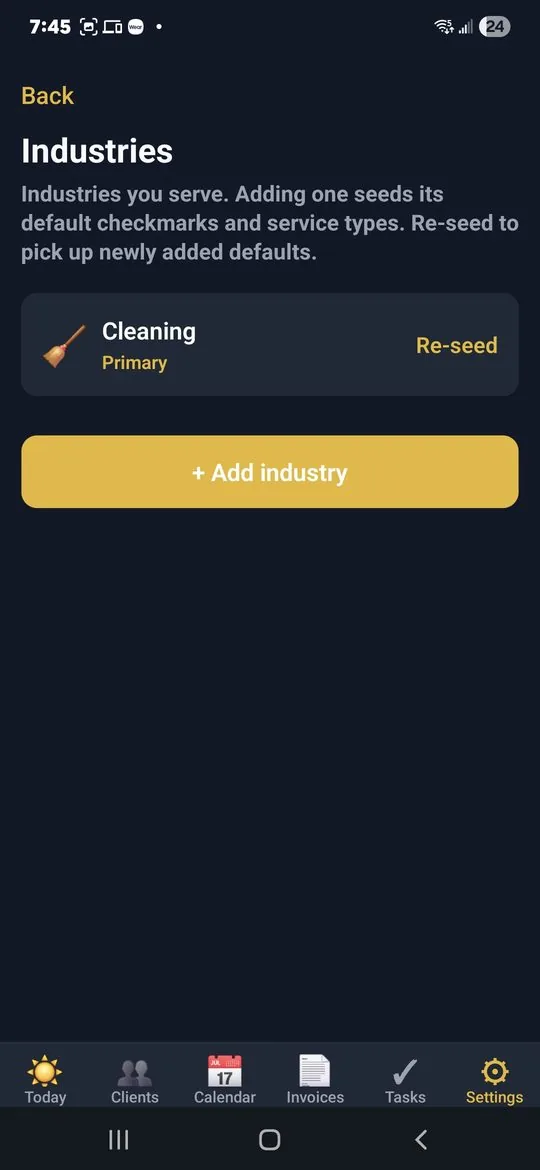
Event planning arrives pre-loaded: rename the seeded service types into your offer — corporate, private, non-profit — and turn checkmark lists into reusable run-of-show templates. Quick Add your clients and this quarter's events are on one calendar the same afternoon. Clients who work in Spanish are covered too; the app runs in English and Spanish.
Questions event planners ask
Can it run multiple events in parallel?
Yes — each event's milestones sit under its own client, so the calendar shows everything interleaved while each event keeps its own clean countdown.
Does it keep venue and vendor details?
Loading dock hours, elevator dimensions, the banquet captain's cell, approved vendors, and floor plans as photos all live on the client card, ready for next year's booking.
How do I invoice deposits and post-event extras?
Deposit at contract and balance after the event, with planning fees and pass-through costs as separate line items. Overtime and additions get itemised while everyone still remembers approving them.
Can I reuse a checklist for recurring annual events?
Service types come with checklist templates you can rename and shape into your own run-of-show, so the quarterly board dinner or annual gala starts from what worked last time.
Simple pricing — no ads, ever
Up to 5 clients, every feature included.
Up to 20 clients, invoice PDFs, SMS automation. Or $49/year.
Unlimited clients, team logins, per-person permissions, audit log. Or $129/year.
Annual billing saves about 27%. Cancel anytime. Full plan details →
Try MyKlient free
Free for your first 5 clients — every feature, no card required. In English and Spanish.


MyKlient is also built for handymen, HVAC technicians, landscapers, personal assistants, and other trades — see everything it does →